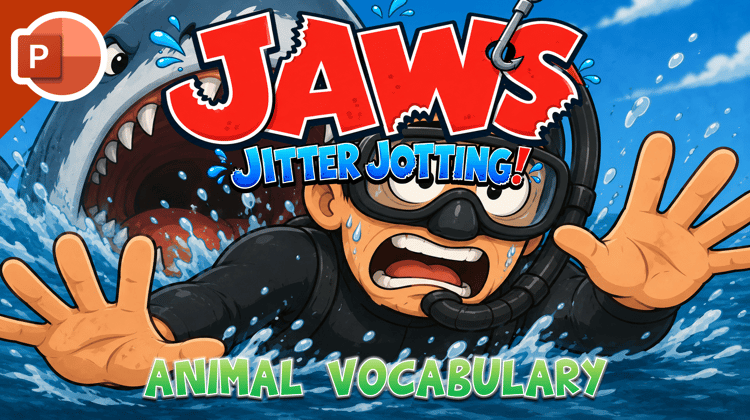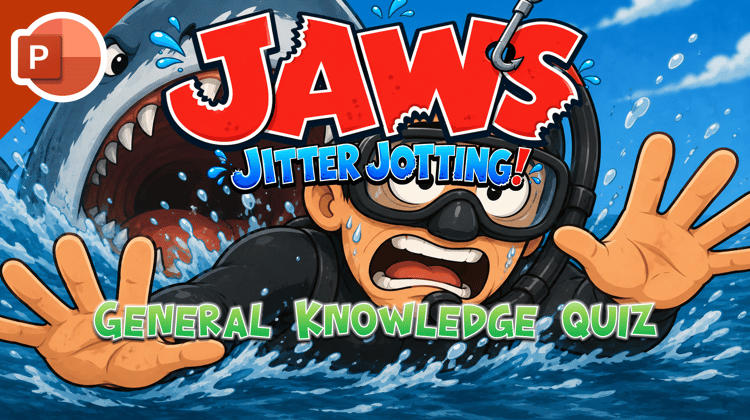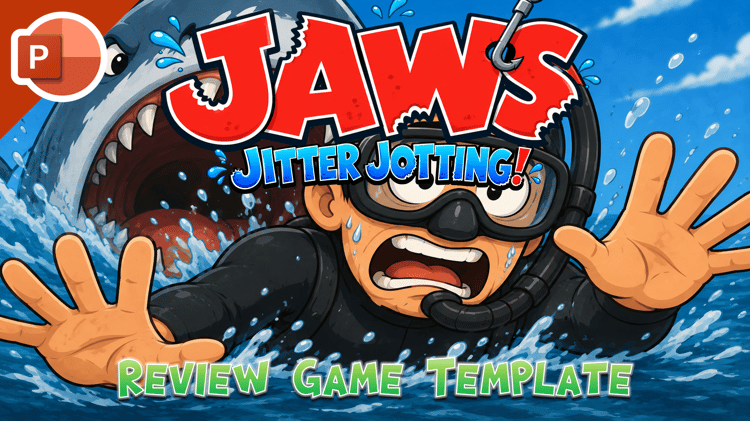









Jaws Jitter Jotting - Editable Template
On Sale
$6.00
$6.00
☆ Created by PawPoinT Games ☆
Jaws Jitter Jotting - Editable Template
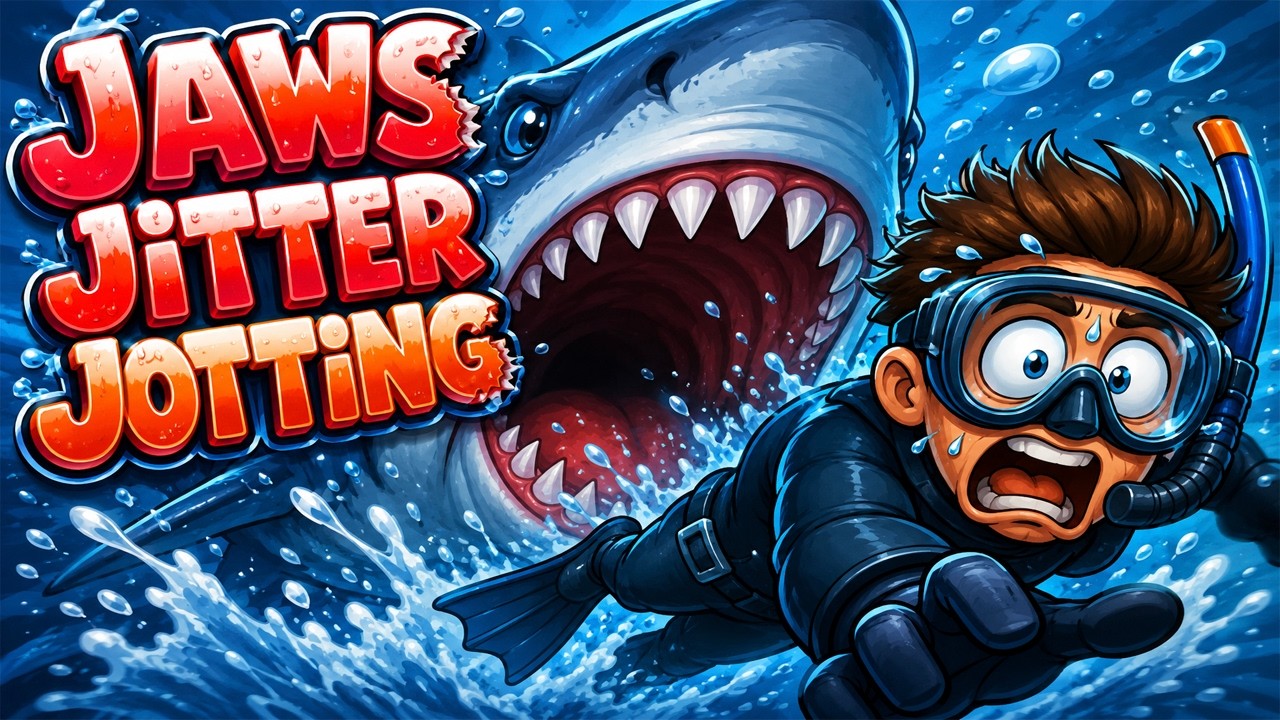
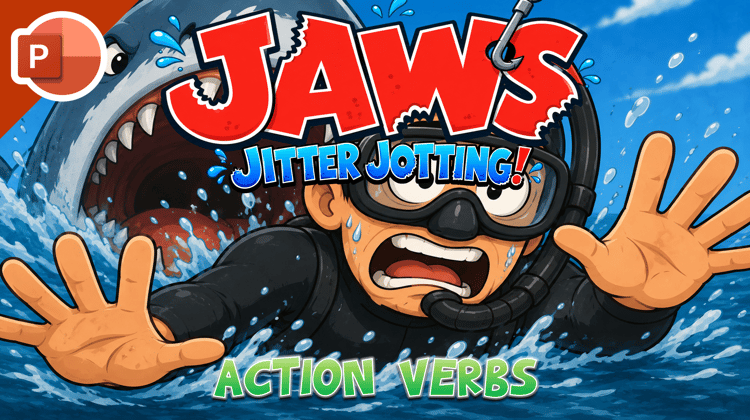
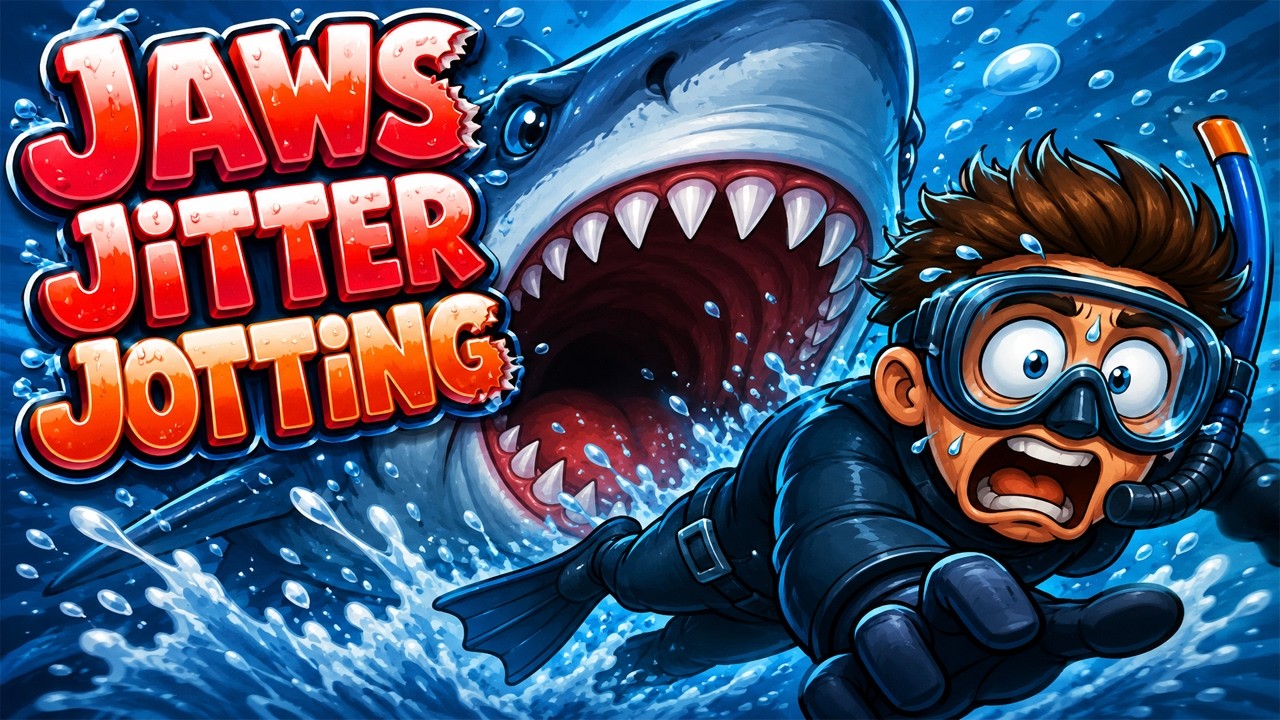
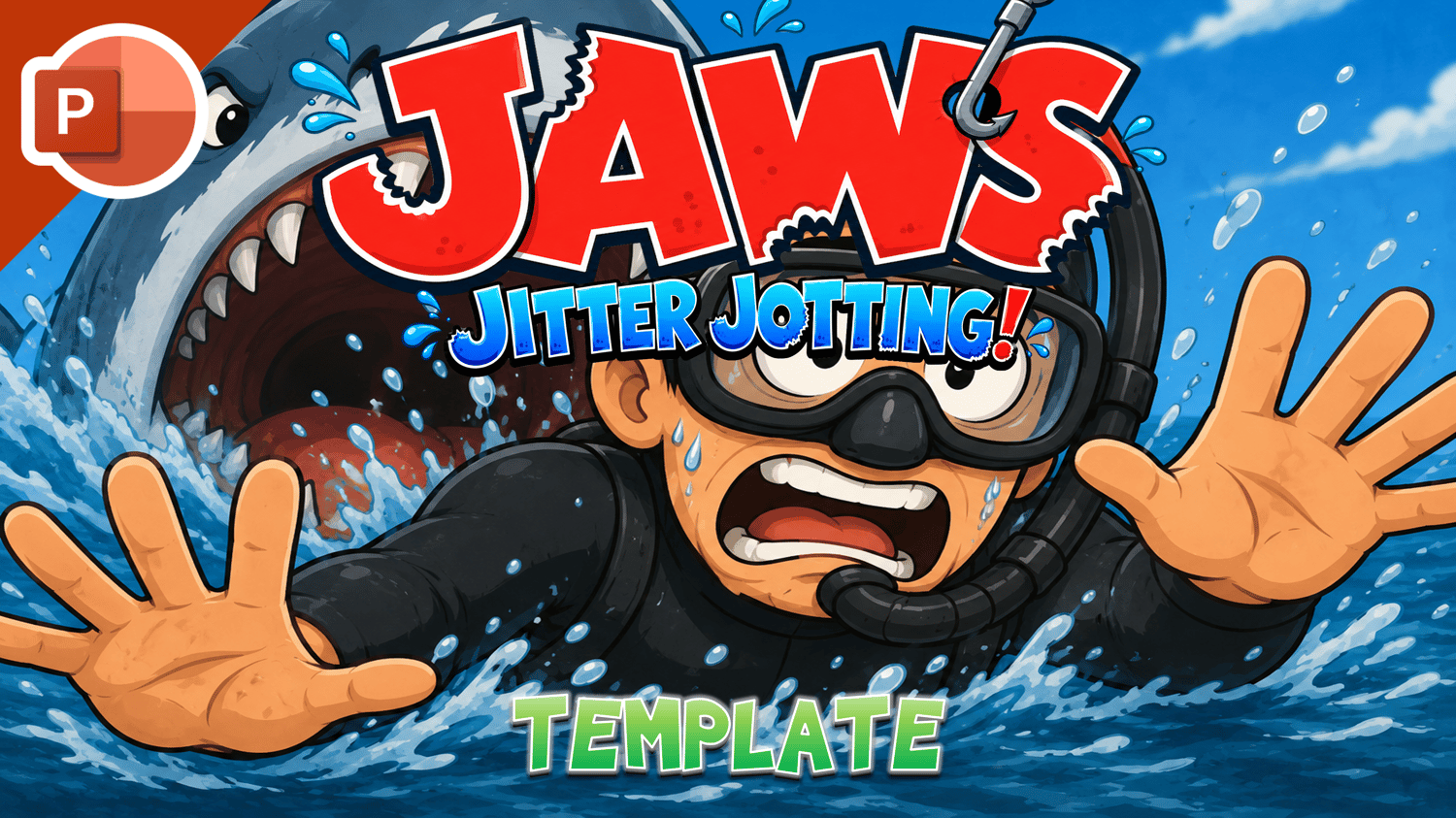
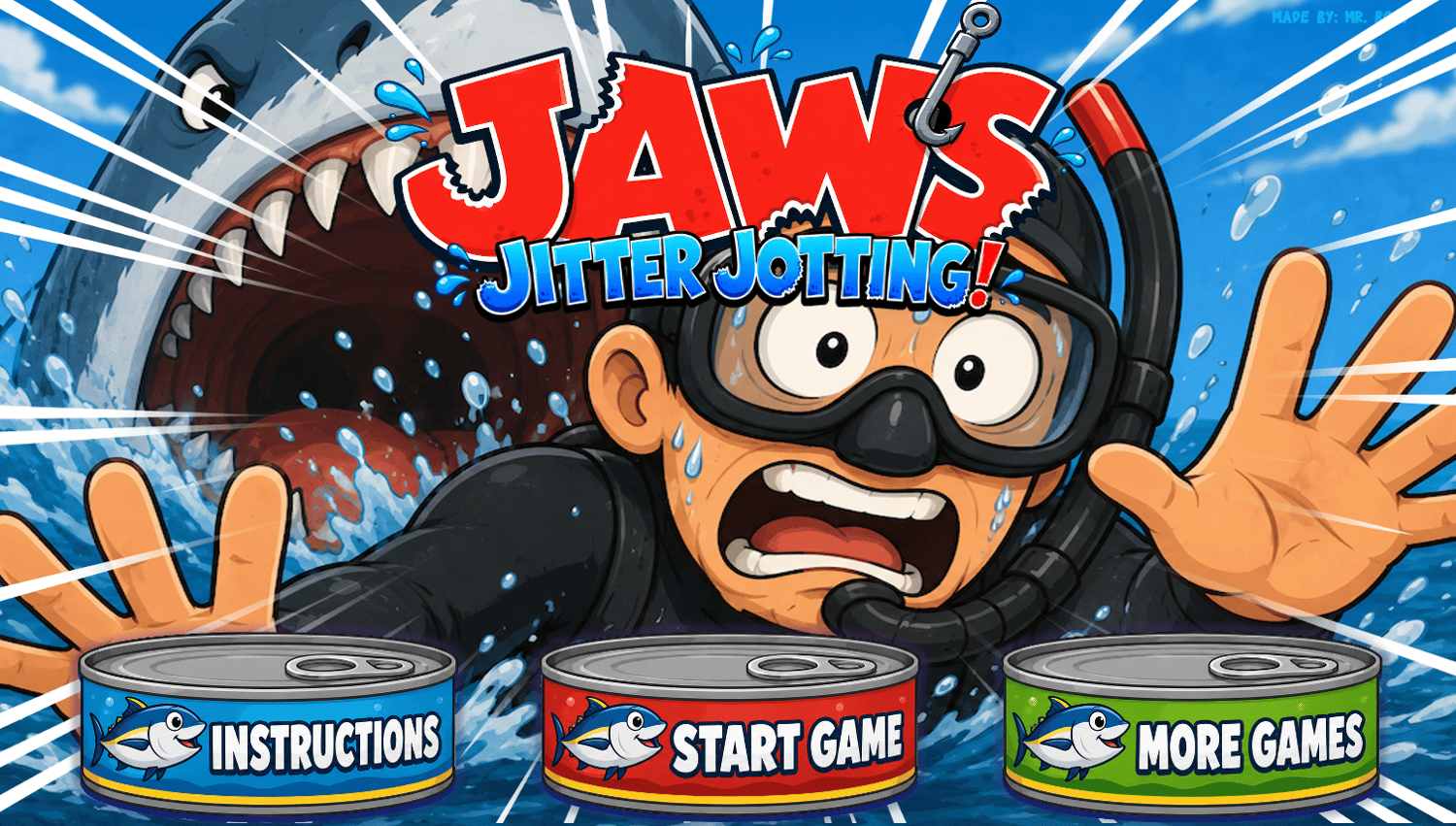
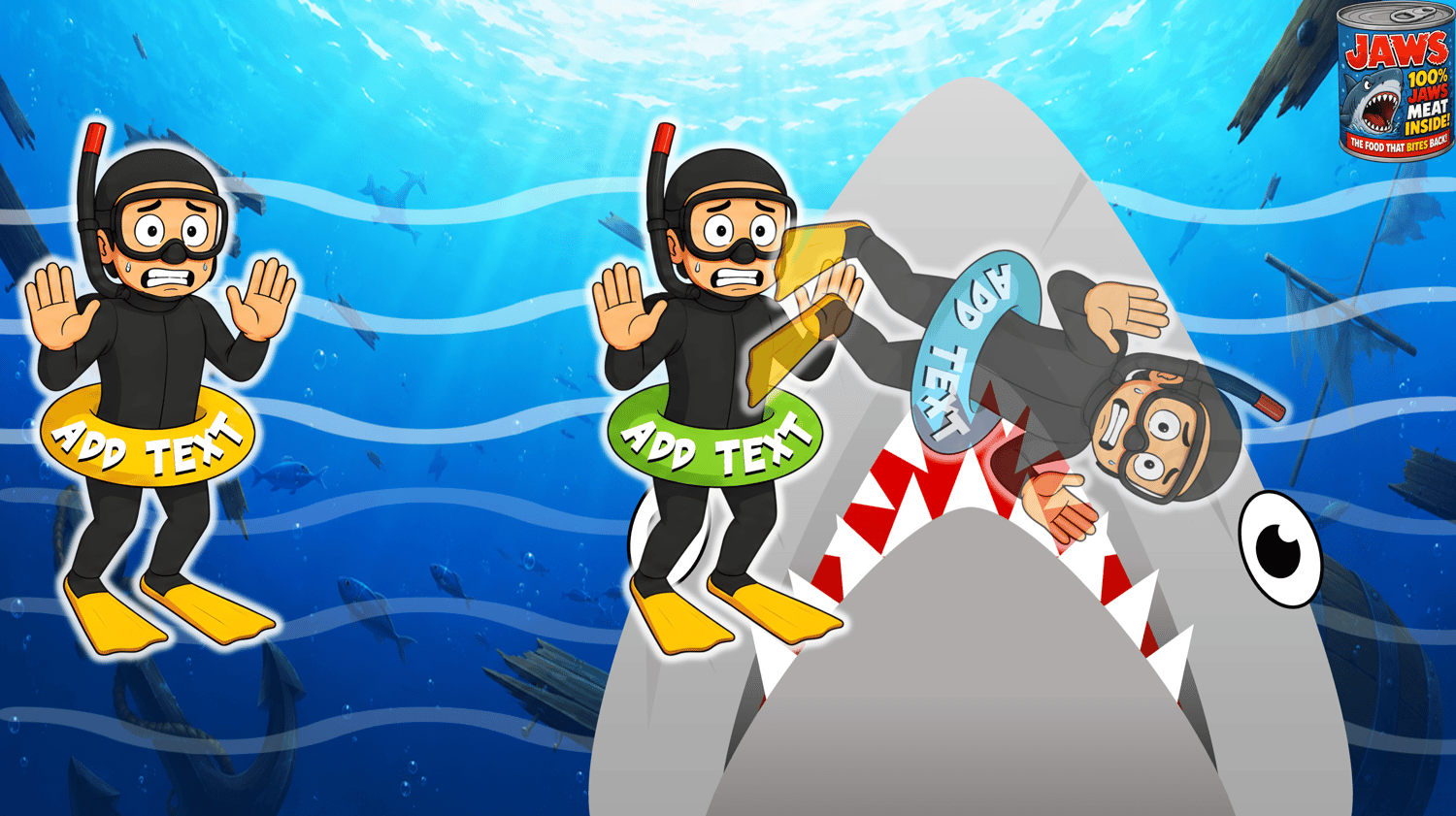
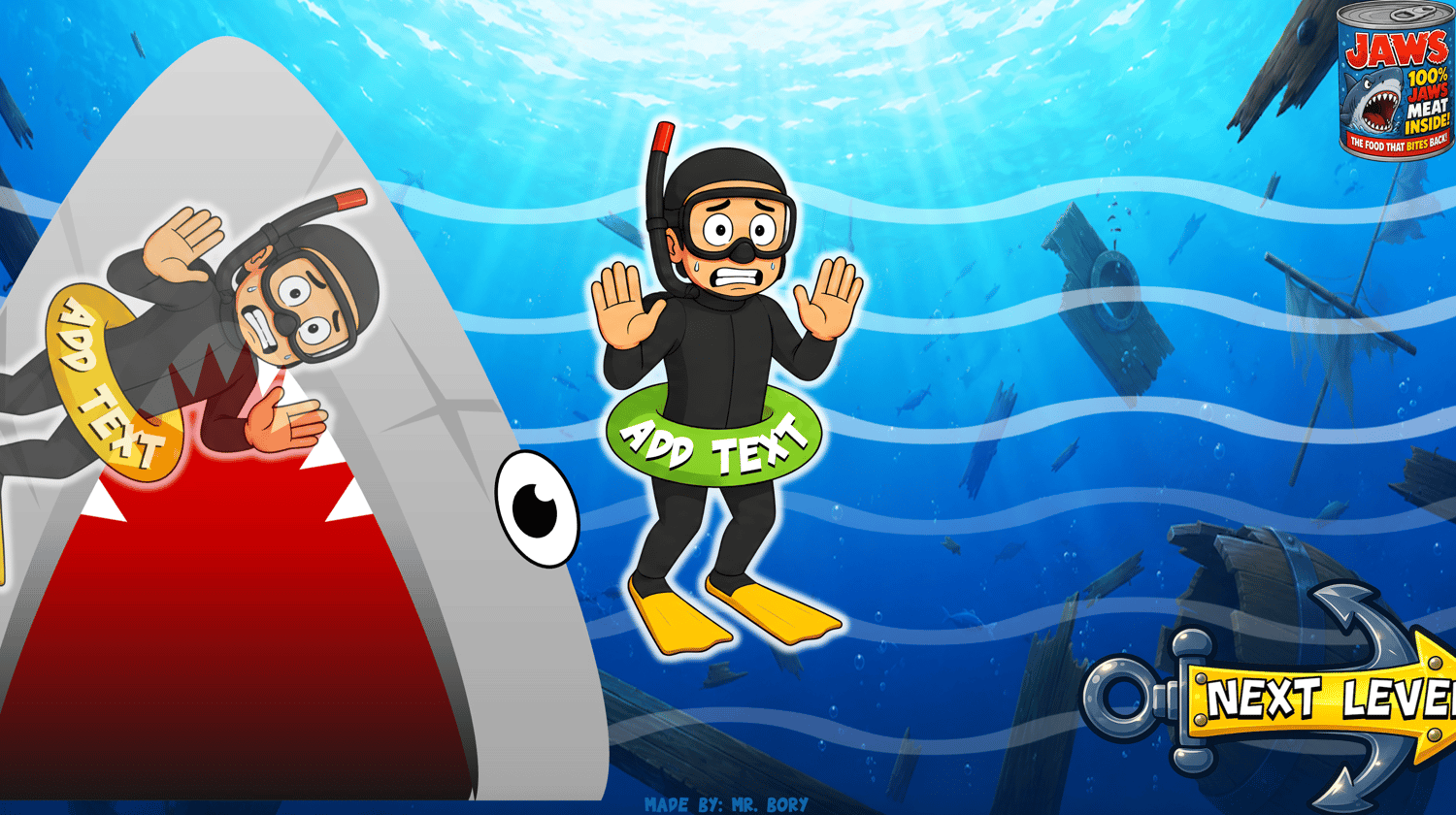
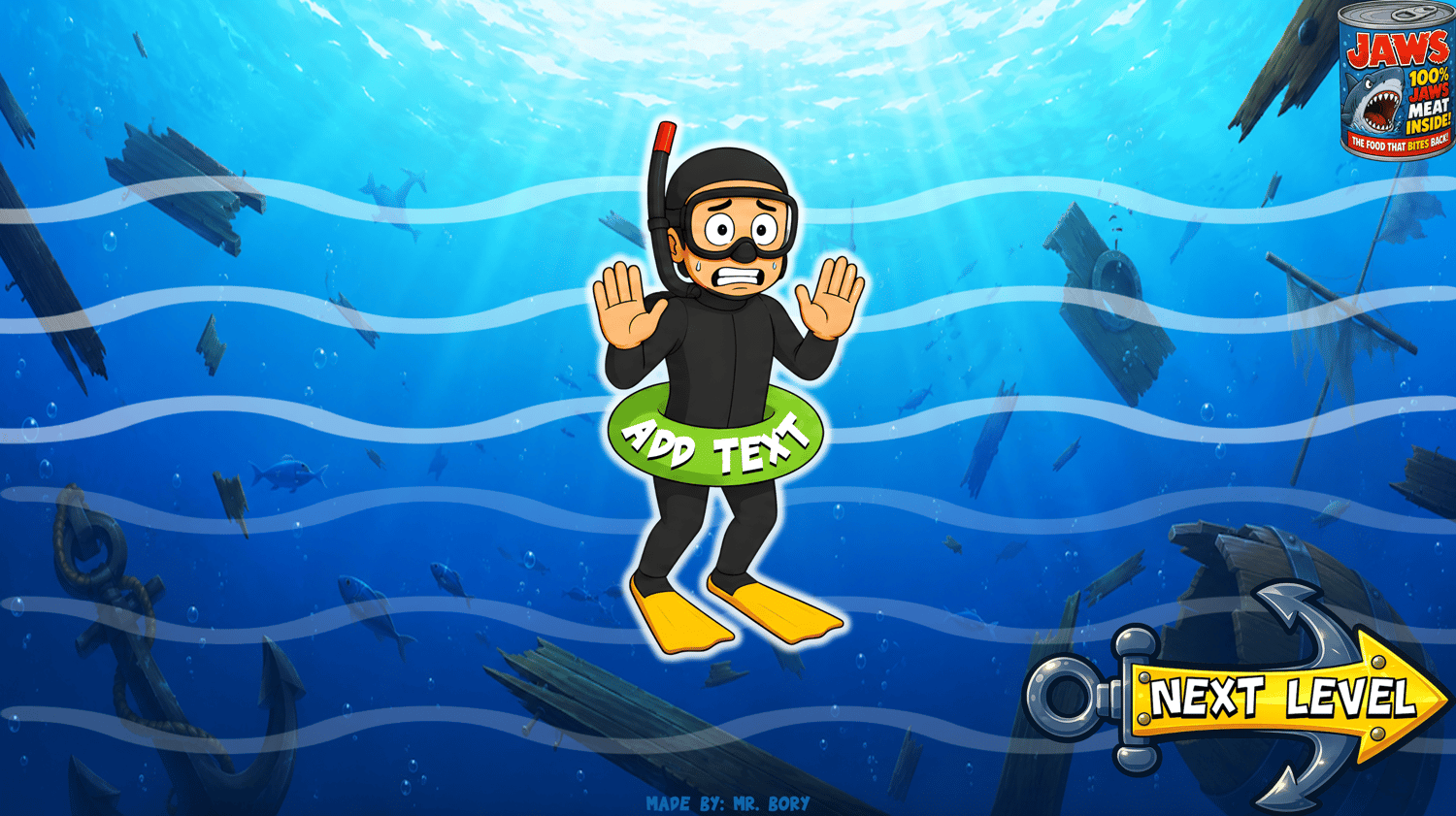
Write Fast. Think Fast. Don't get eaten! Jaws Jitter Jotting is a fun, shark-themed PowerPoint classroom game that gets students practicing writing, spelling, vocabulary, and word recognition while they try to keep their divers away from JAWS! The PowerPoint is easy for teachers to edit, making it simple to add your own words and target language for almost any lesson. It's a fun choice for teachers looking for ESL games for kids that are engaging, flexible, and easy to use.
Great For:
- ESL / EFL classrooms
- Writing practice
- Vocabulary review
- Spelling and word recognition
- Individual, pair, team, or whole-class play
How it works:
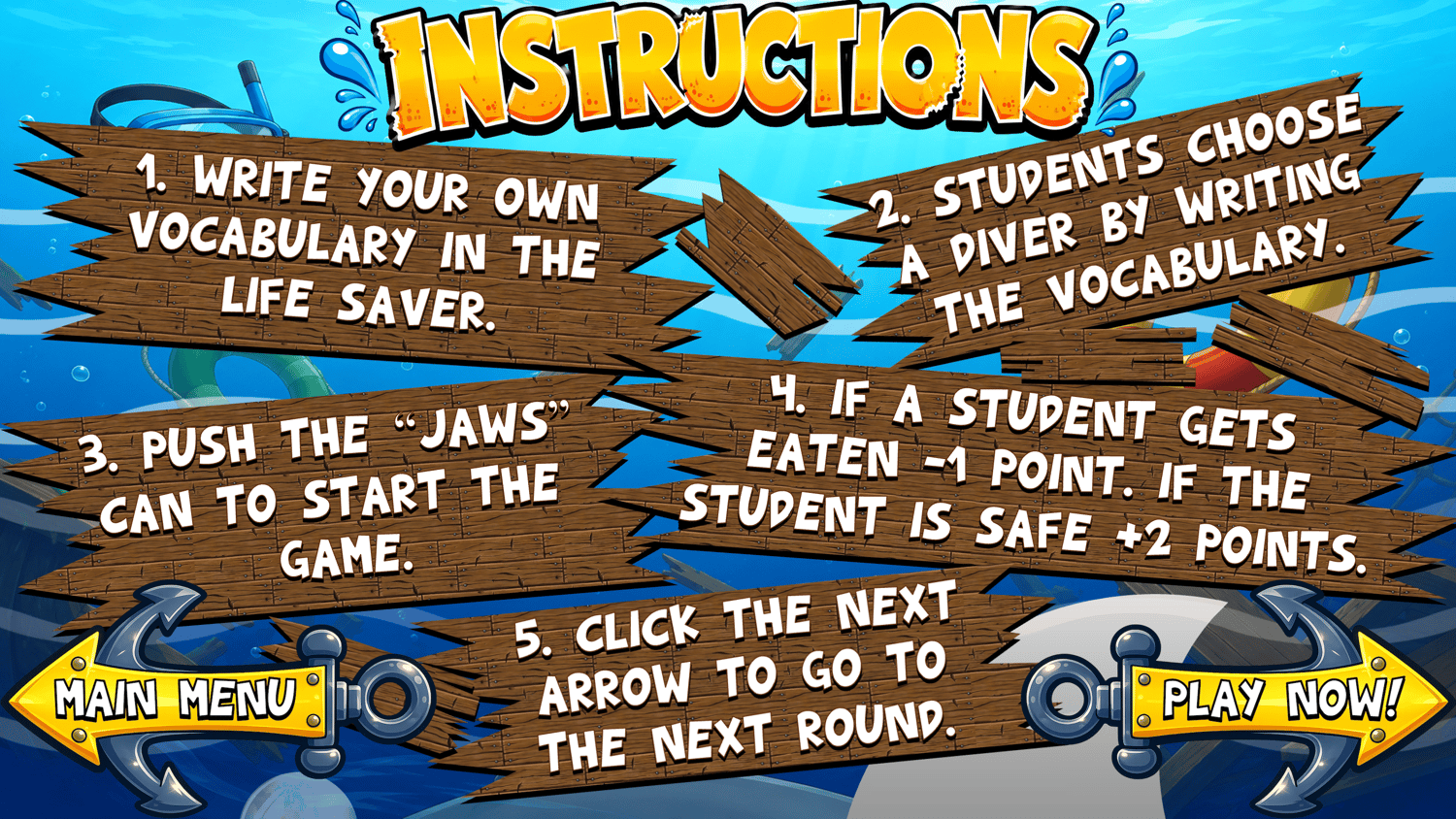
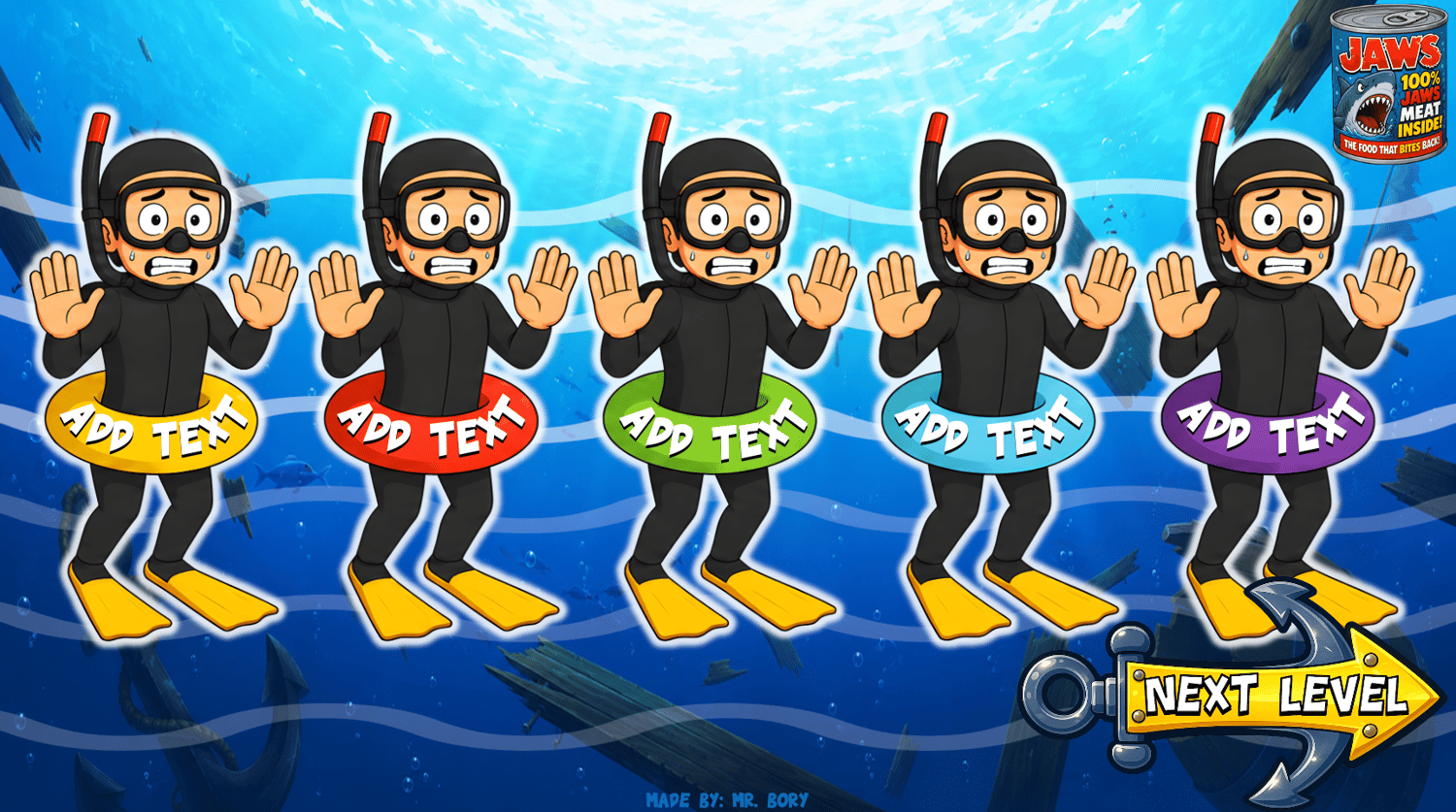
- Students choose a word from the divers' floats and write it down.
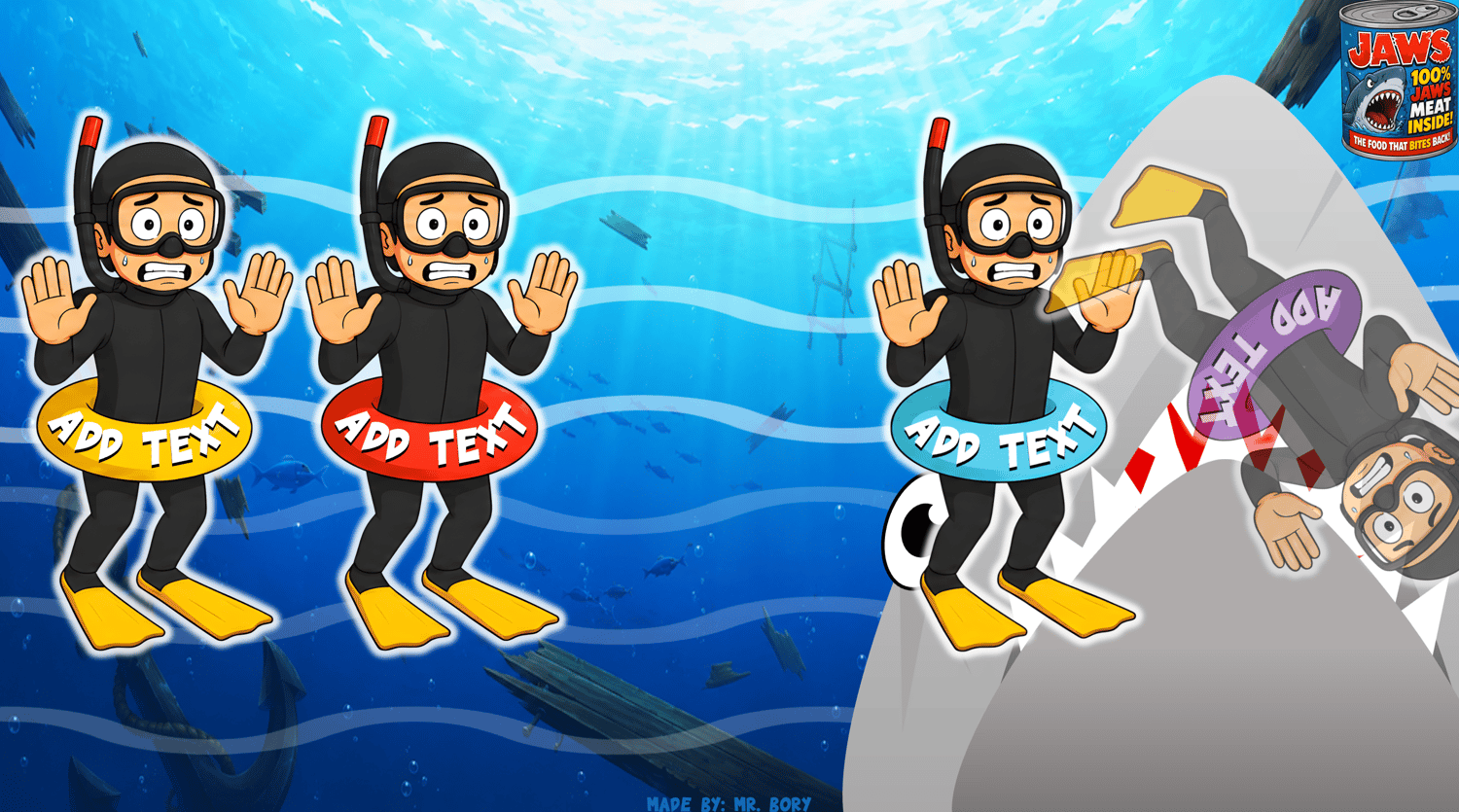
- Press the JAWS button and watch the shark swim!
- If JAWS eats the diver with their word: -1 point!
- If their diver survives: +2 points!
- Choose another word and play again.
- Survive all 20 levels and score as many points as possible!
Target Language Covered:
- Fully editable — use any target language you want!
- Vocabulary
- Spelling
- Word recognition
- Topic-based words
- Grammar words or phrases
What's Included:
- Interactive PowerPoint game
- 20 challenging levels
- Interactive animations
- Editable word slides
- Fully editable template
- Embedded fonts
Watch It In Action:
- Watch Jaws Jitter Jotting on Youtube to see how to play and customize your own PowerPoint game for your classroom.
Compatibility Note:
- PowerPoint only — Not compatible with Google Slides
- Fonts are embedded in the game. If needed, the font file is also included along with the instructions.
- Make sure to test your game and save your work before playing.
Get your pencils ready. JAWS is hungry!