


Halloween Say What?!
On Sale
$8.00
$8.00
☆ Created by Good Golly Games ☆
Say What?! Halloween Monsters – Interactive PowerPoint Gibberish Game for Classrooms
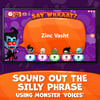
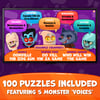
Get ready to laugh out loud! Say What?! Halloween Monsters is a fast-paced, interactive PowerPoint gibberish game where students sound out nonsensical phrases using different monster voices and guess the familiar word or saying. A fun and unexpected way to build listening skills, phonics awareness, and vocabulary recall – perfect for Halloween warm-ups, brain breaks, or end-of-term fun.
Teams compete to decode gibberish phrases before the timer runs out. Just download, open in PowerPoint, enable macros, and play!
How it works
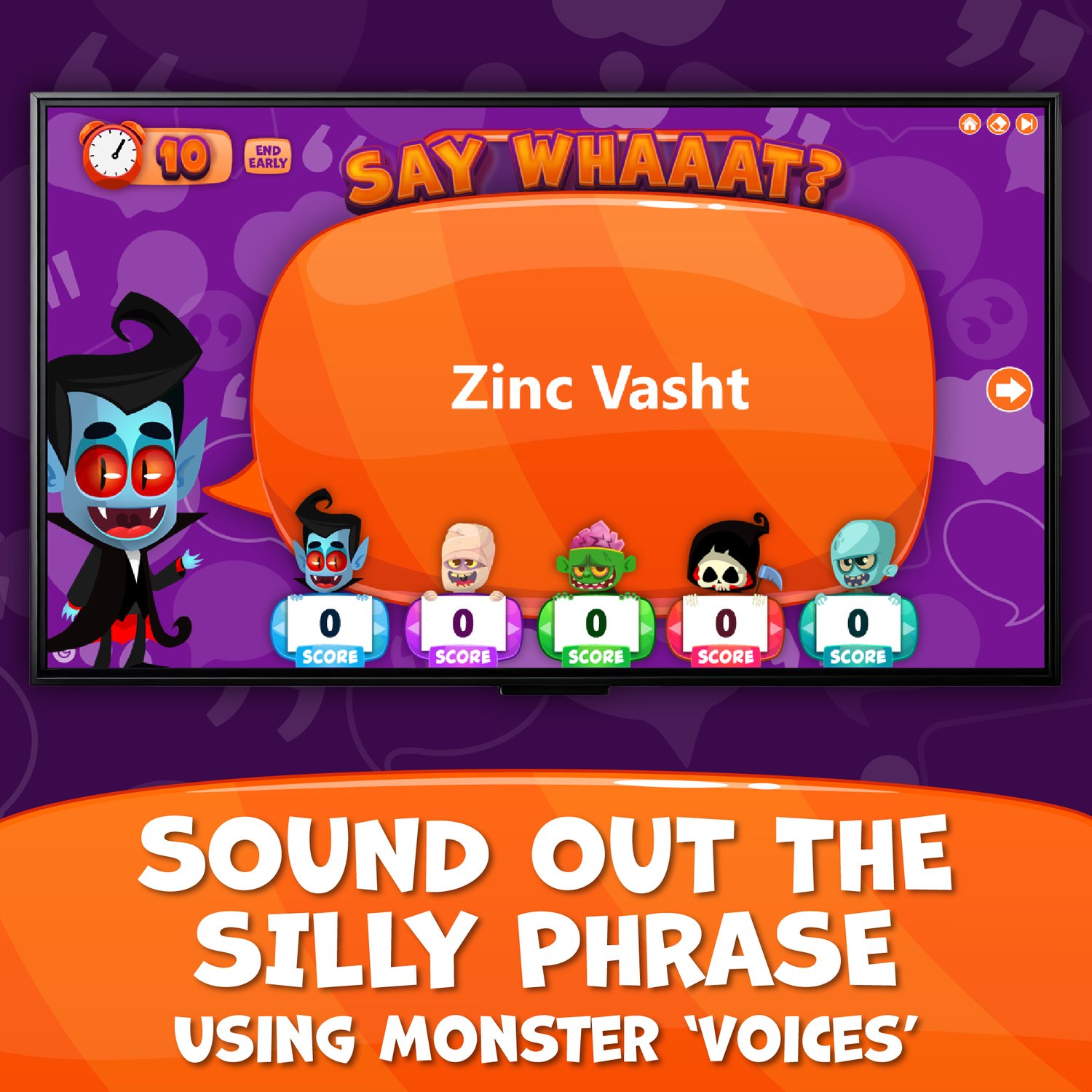
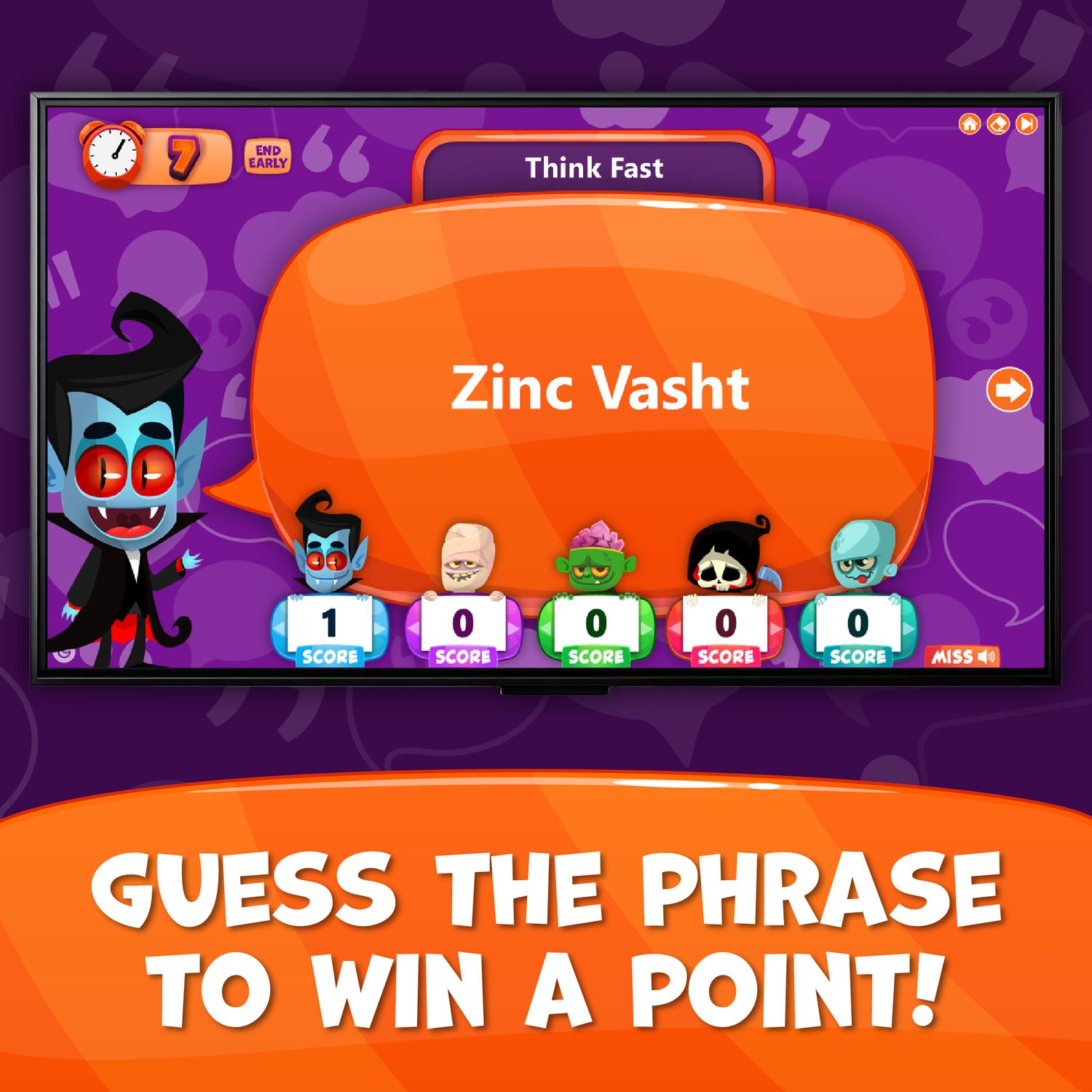
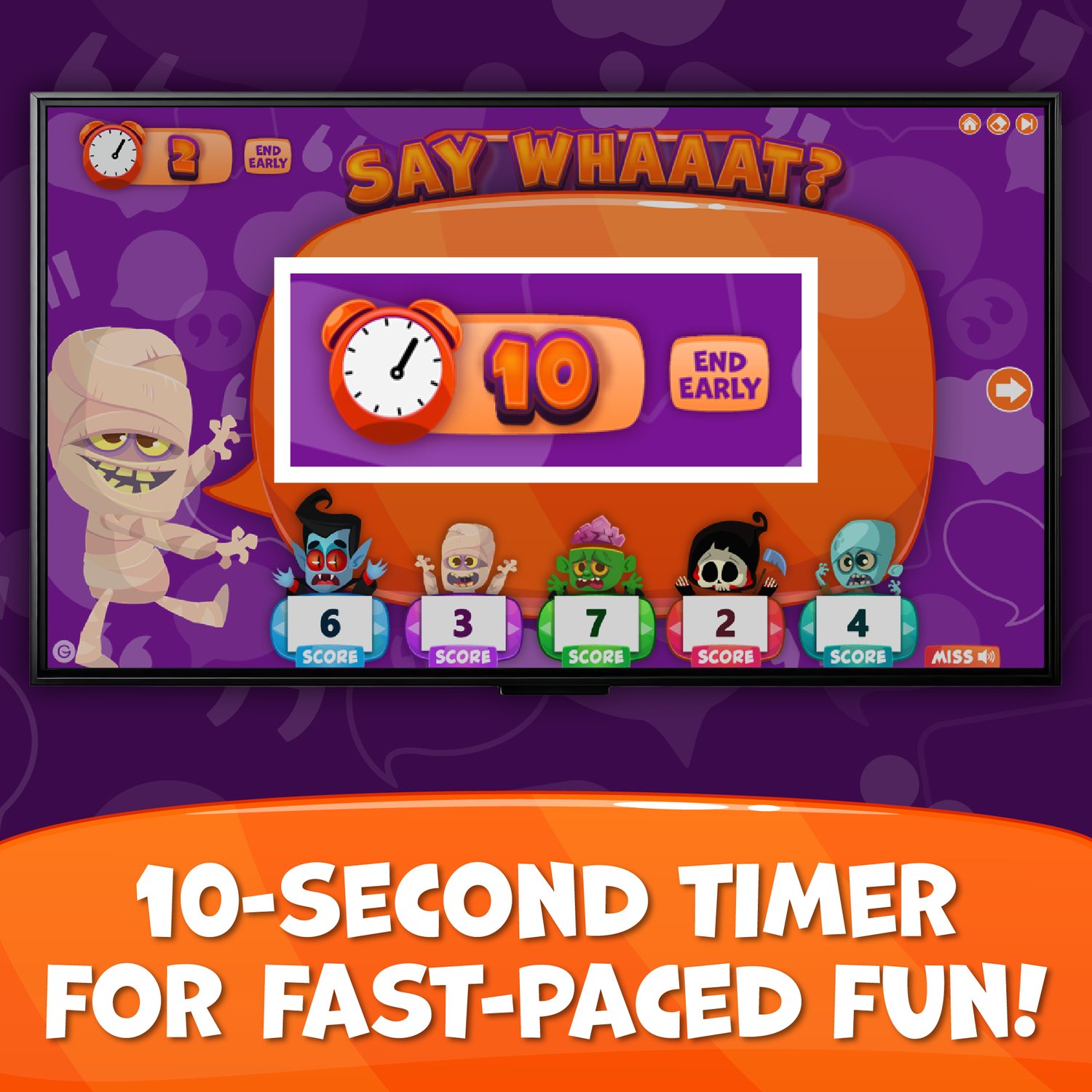
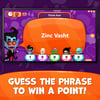
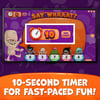
- Players have 10 seconds to sound out a nonsensical sentence and guess the familiar word or phrase
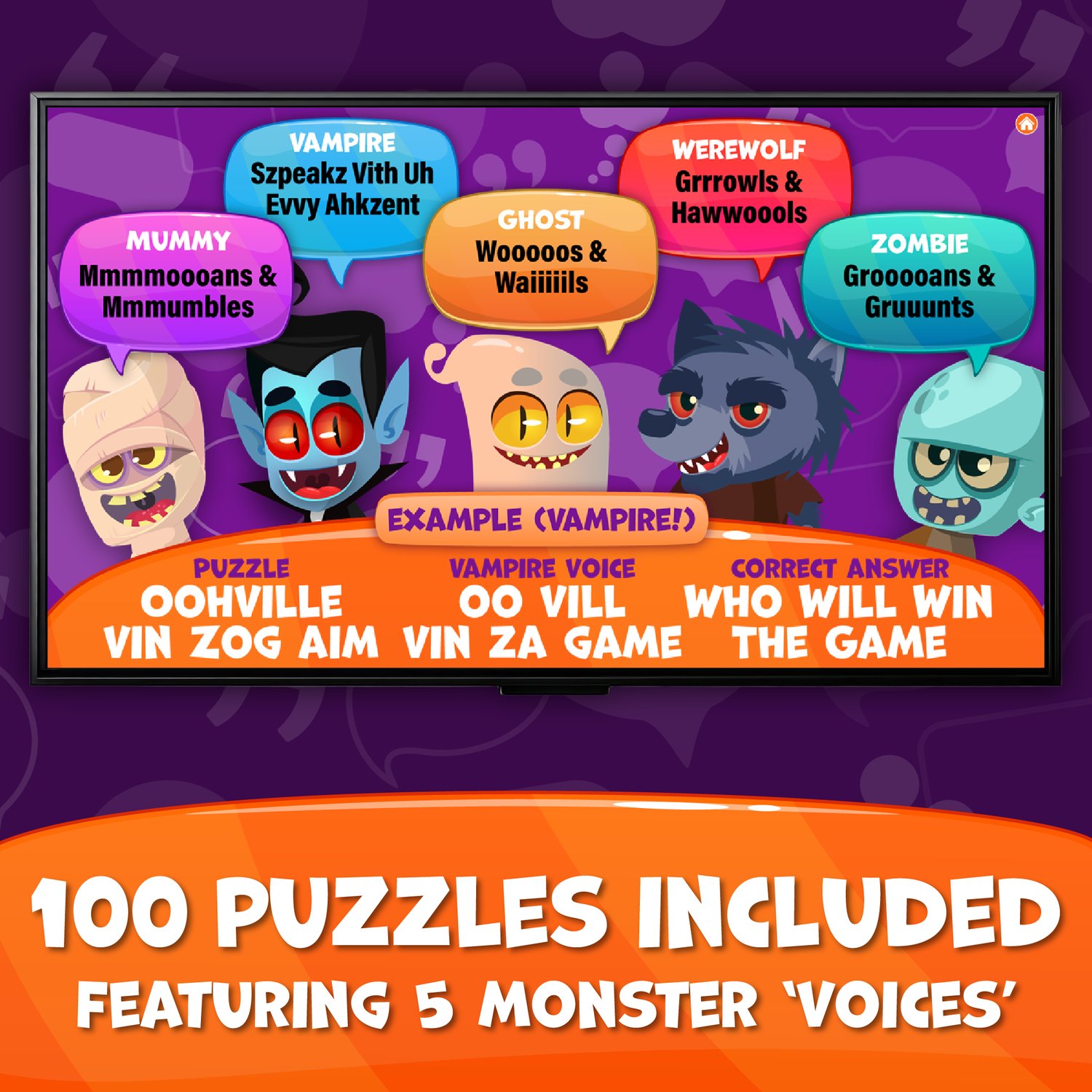
- Puzzles feature 5 different monster 'voices' – vampire, ghost, werewolf, mummy and zombie!
- Example: The vampire says...Zinc Vasht → Think Fast
Features
- Interactive PowerPoint game featuring 5 different monster ‘voices’
- 100 ready-to-play gibberish puzzles (classroom-safe)
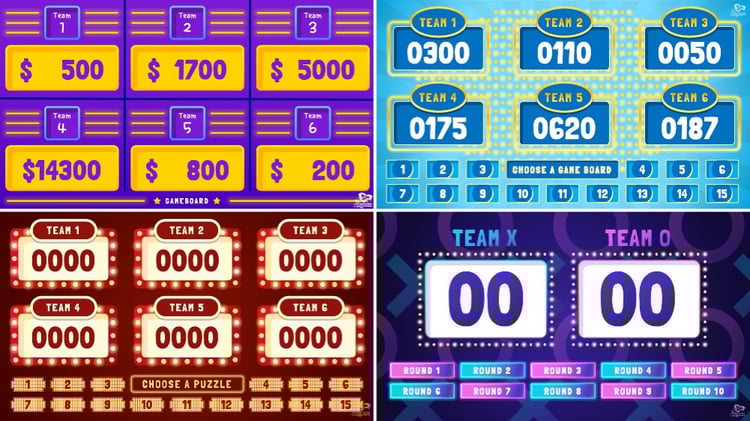
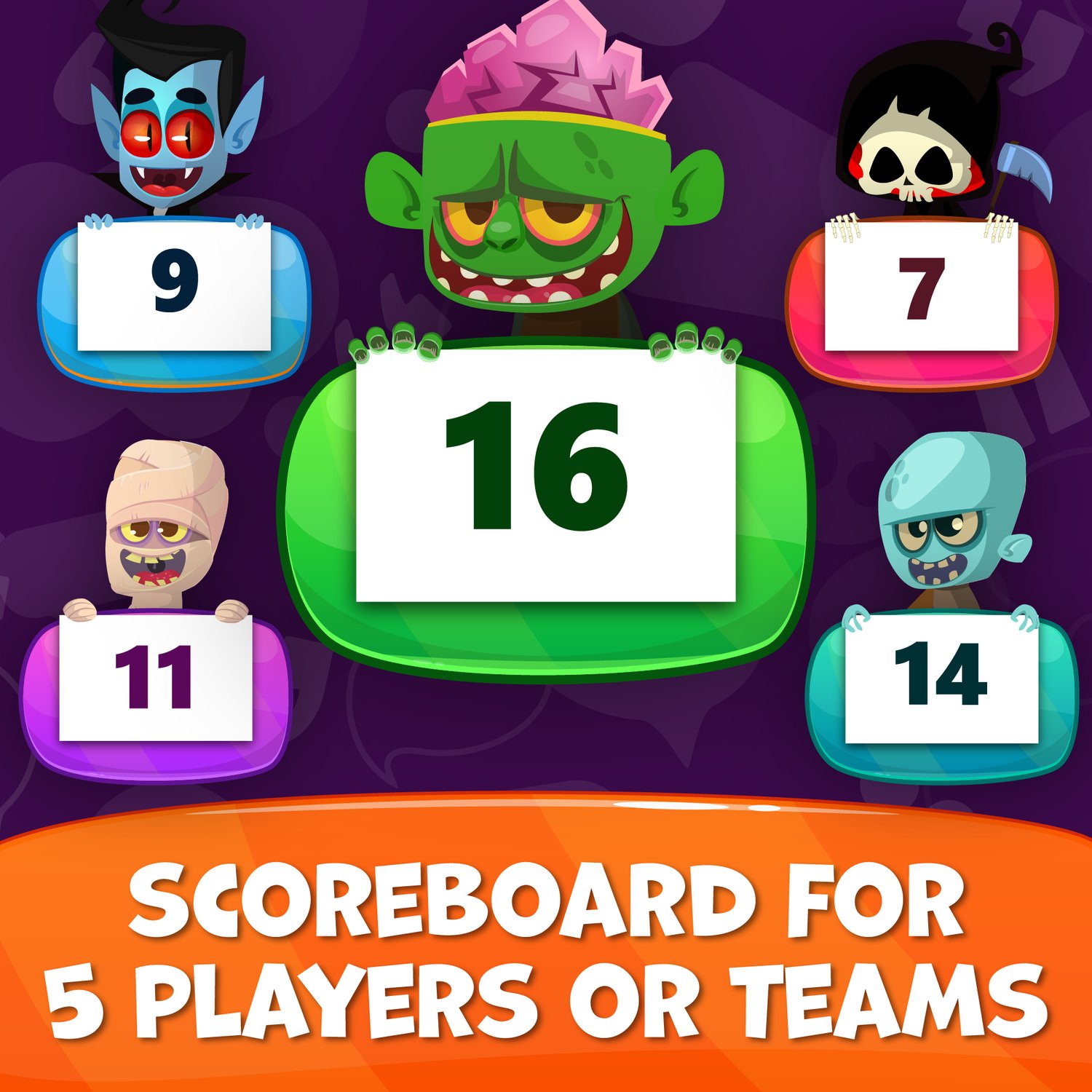
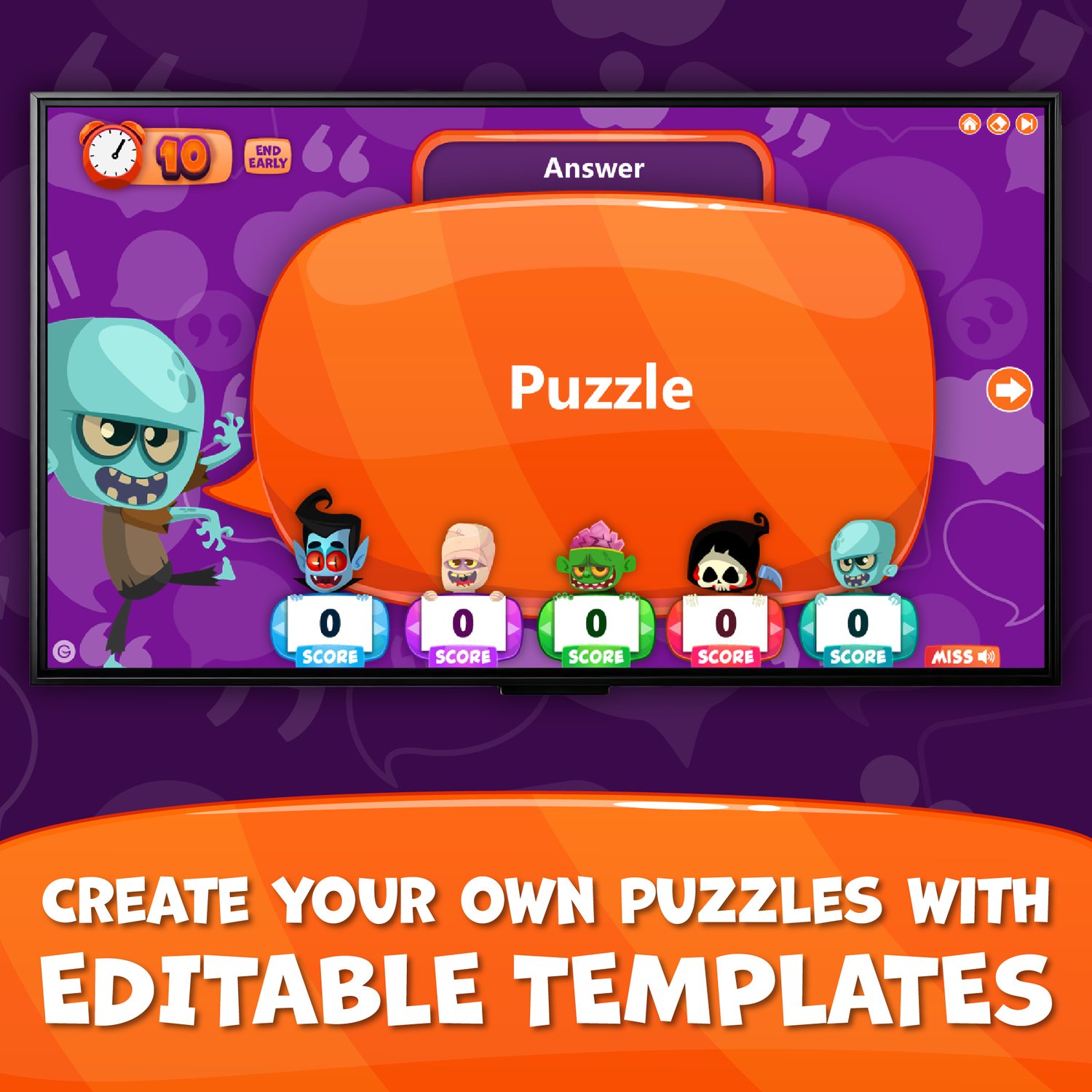
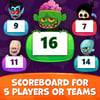
- Scoreboard for 5 players (macros required)
- Automatic 10-second timer
- Easy-to-edit blank slides for unlimited play
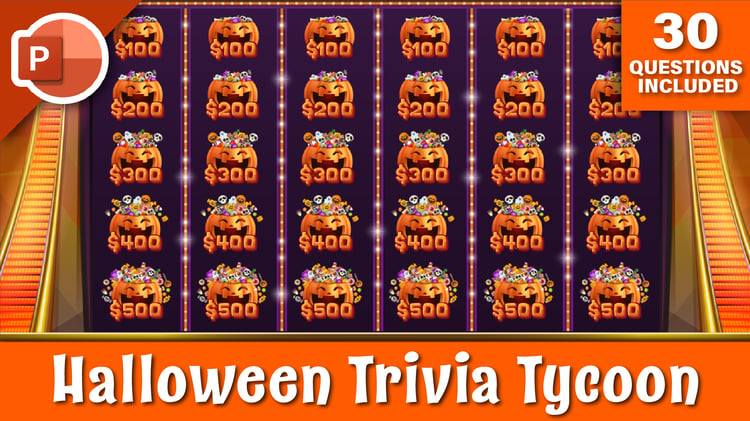
- Halloween-themed animations and graphics
- Spooky sound effects and music (normal, low & no sound)
- No-prep: download and play the same day
What you’ll get
- Macro Version – PowerPoint game with scoreboard (requires macros and ActiveX)
- No-Macro Version – PowerPoint game without scoreboard, plus printable (PDF) scorecard
- Answer key (Word & PDF)
Watch it in action
- Watch the demo on YouTube to see how easy it is to play!
Compatibility note
- Works best on PowerPoint 365 for Windows PC
- Not compatible with Mac, Google Slides, or Keynote
- Some features may not work on older versions of PowerPoint
- Always test the game before your lesson