
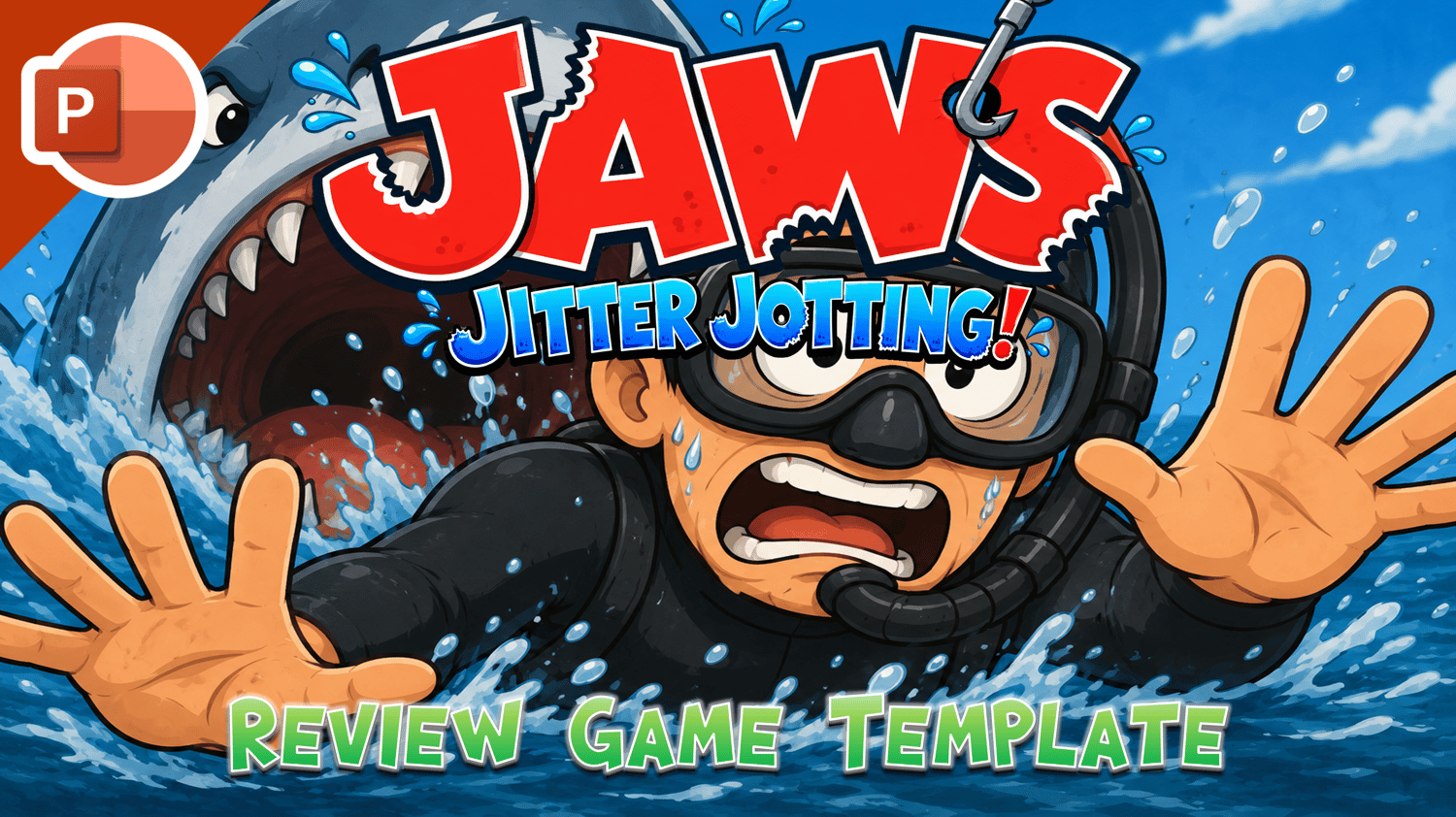

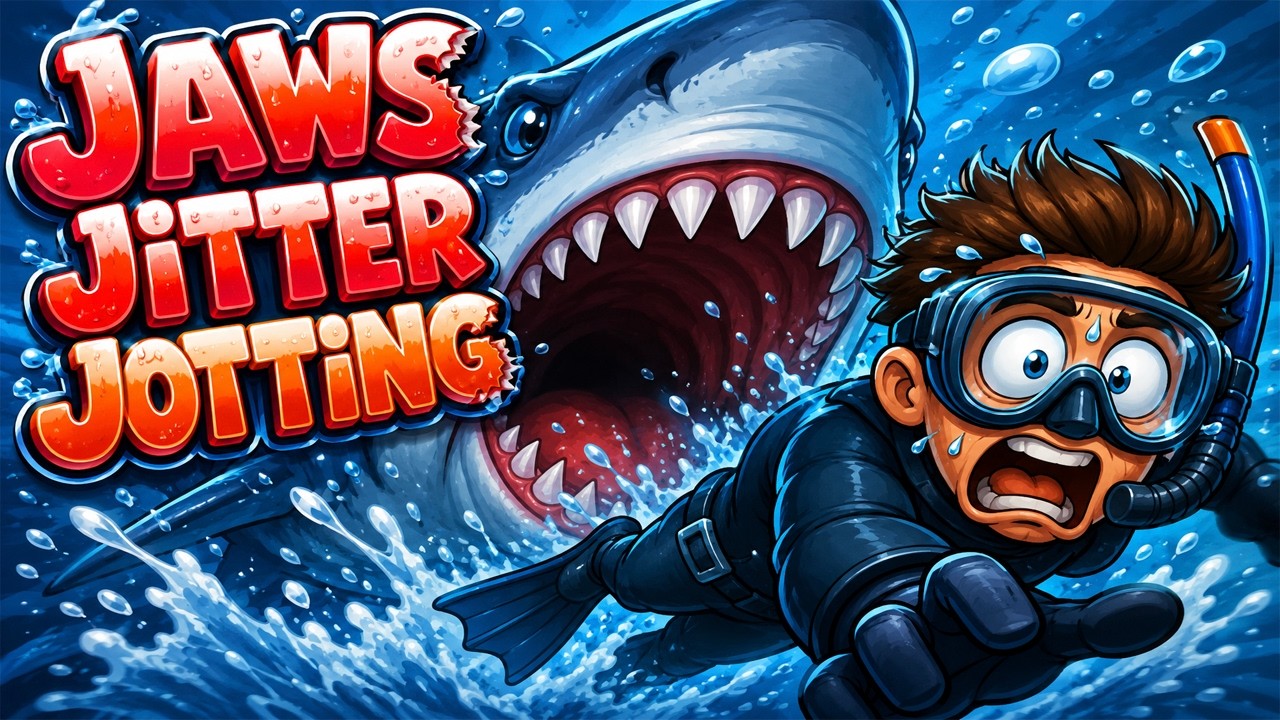







Jaws Jitter Jotting - Review Game Template
☆ Created by PawPoinT Games ☆
JAWS JITTER JOTTING — Review Game Template
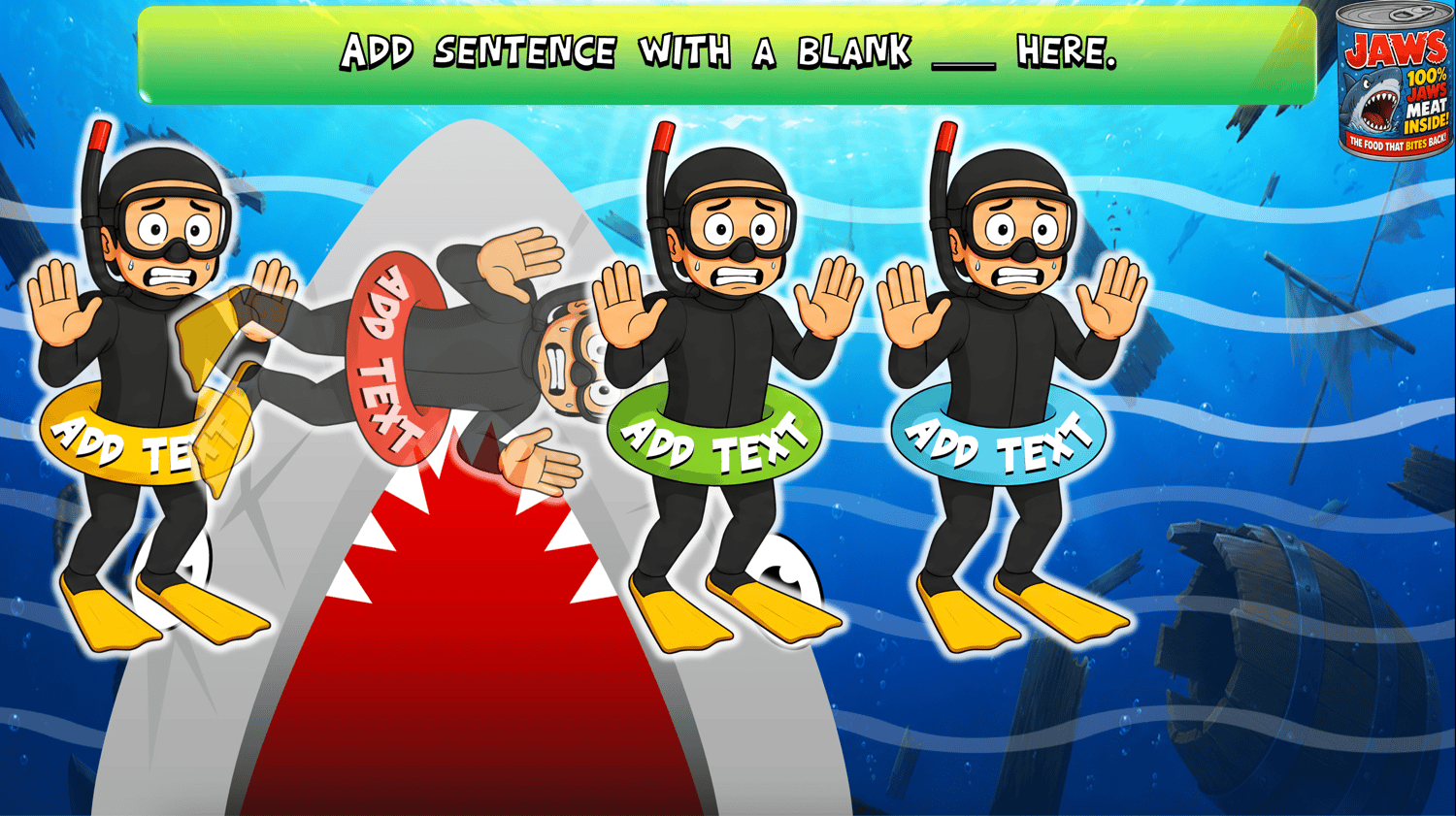
Write fast. Choose carefully. Don't get eaten! Jaws Jitter Jotting is a fun, shark-themed PowerPoint review game that gets students writing, thinking, and reviewing vocabulary while they try to keep their swimmers away from JAWS!
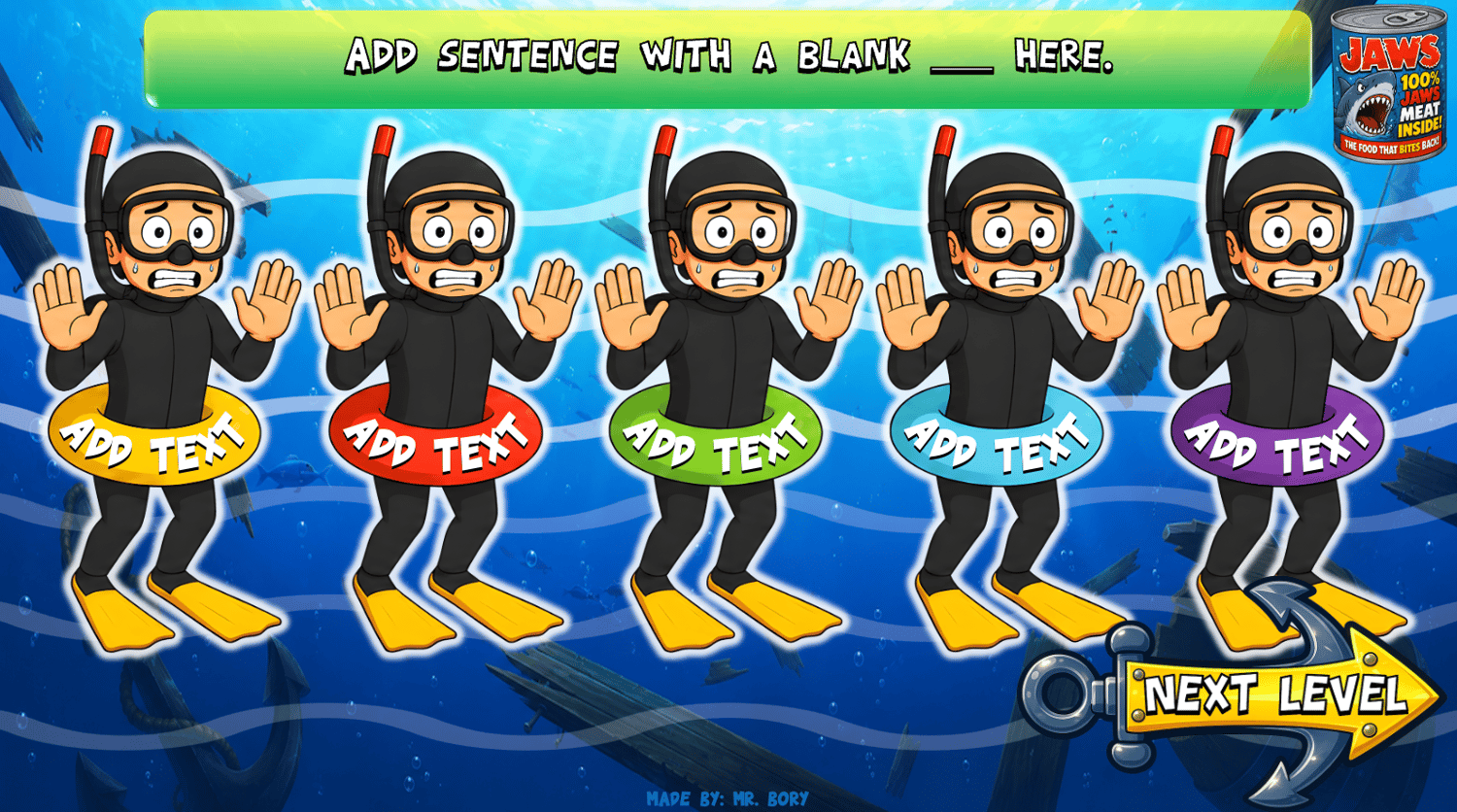
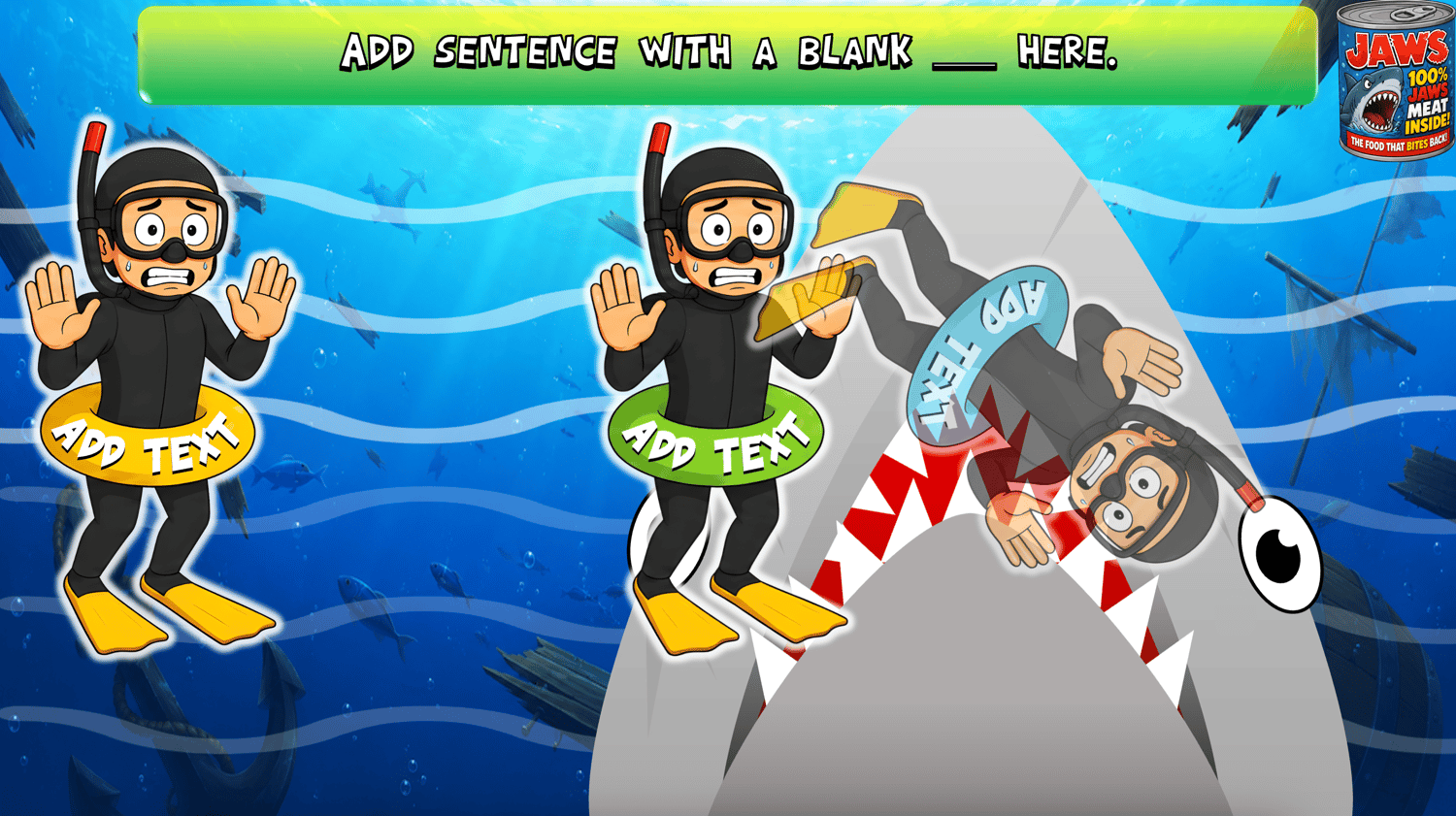
Teachers create their own sentences with a blank and provide five possible answers. Students read the sentence, jot down the answer they think is correct, and then watch as JAWS attacks the swimmers with the wrong answers!
Great For:
- ESL / EFL classrooms
- Vocabulary review
- Fill-in-the-blank practice
- Grammar review
- Spelling practice
- Reading and sentence comprehension
- Individual, pair, team, or whole-class play
How It Works:
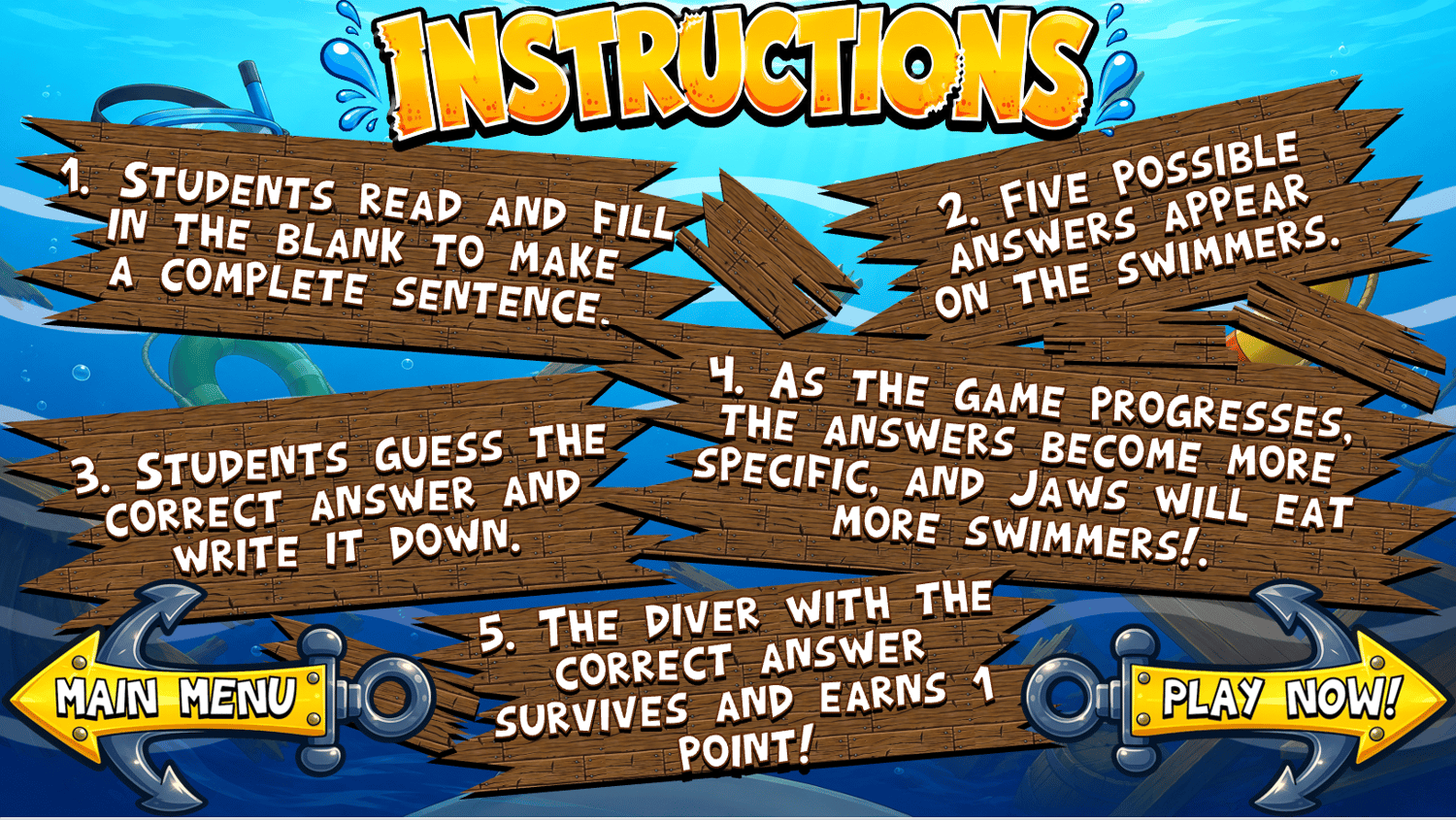
- Students read and fill in the blanks to make a complete setnece.
- Add five possible answers for the students to choose from.
- Students read the sentence and jot down their answer.
- Press the JAWS button and watch the shark swim!
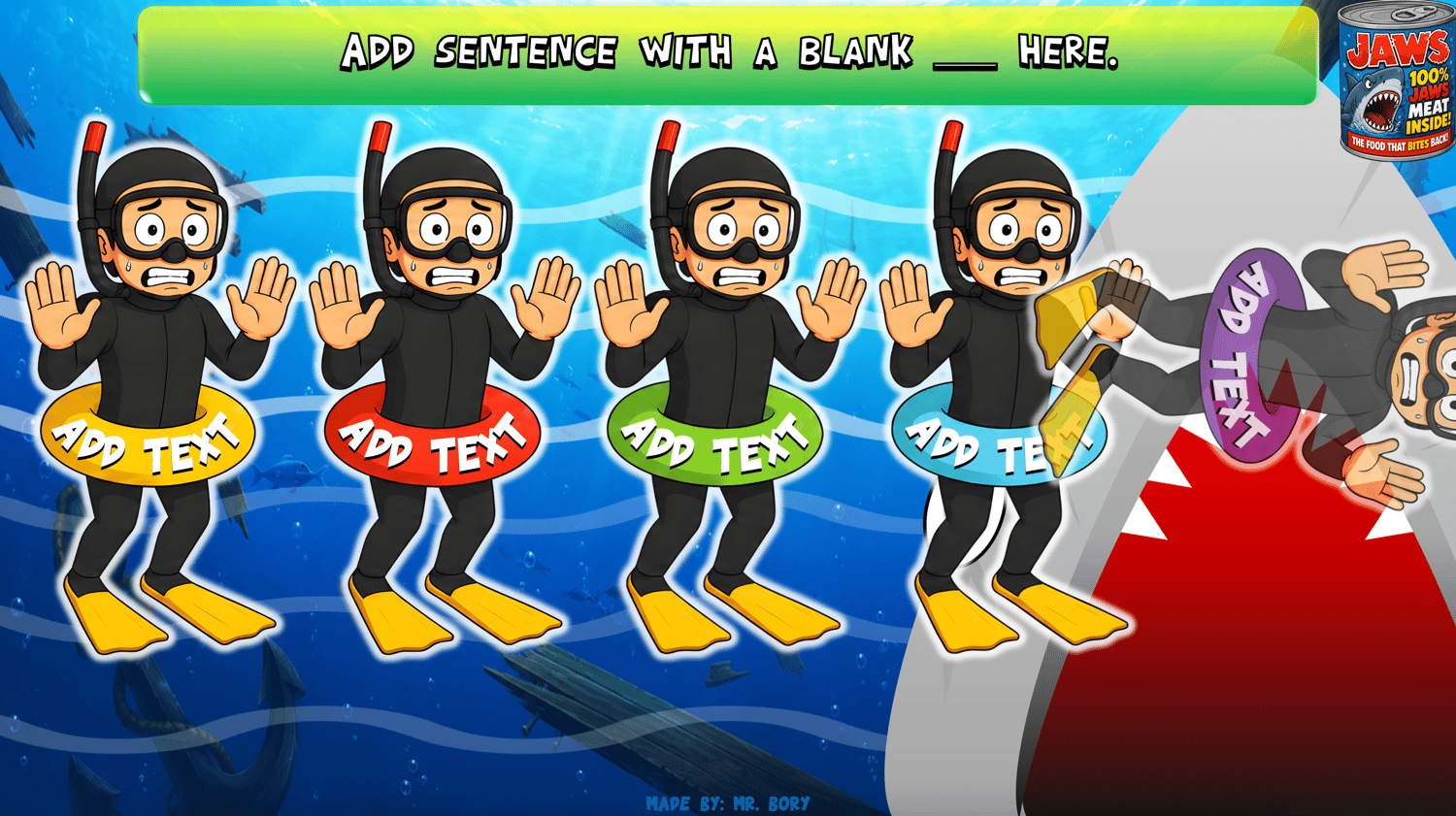
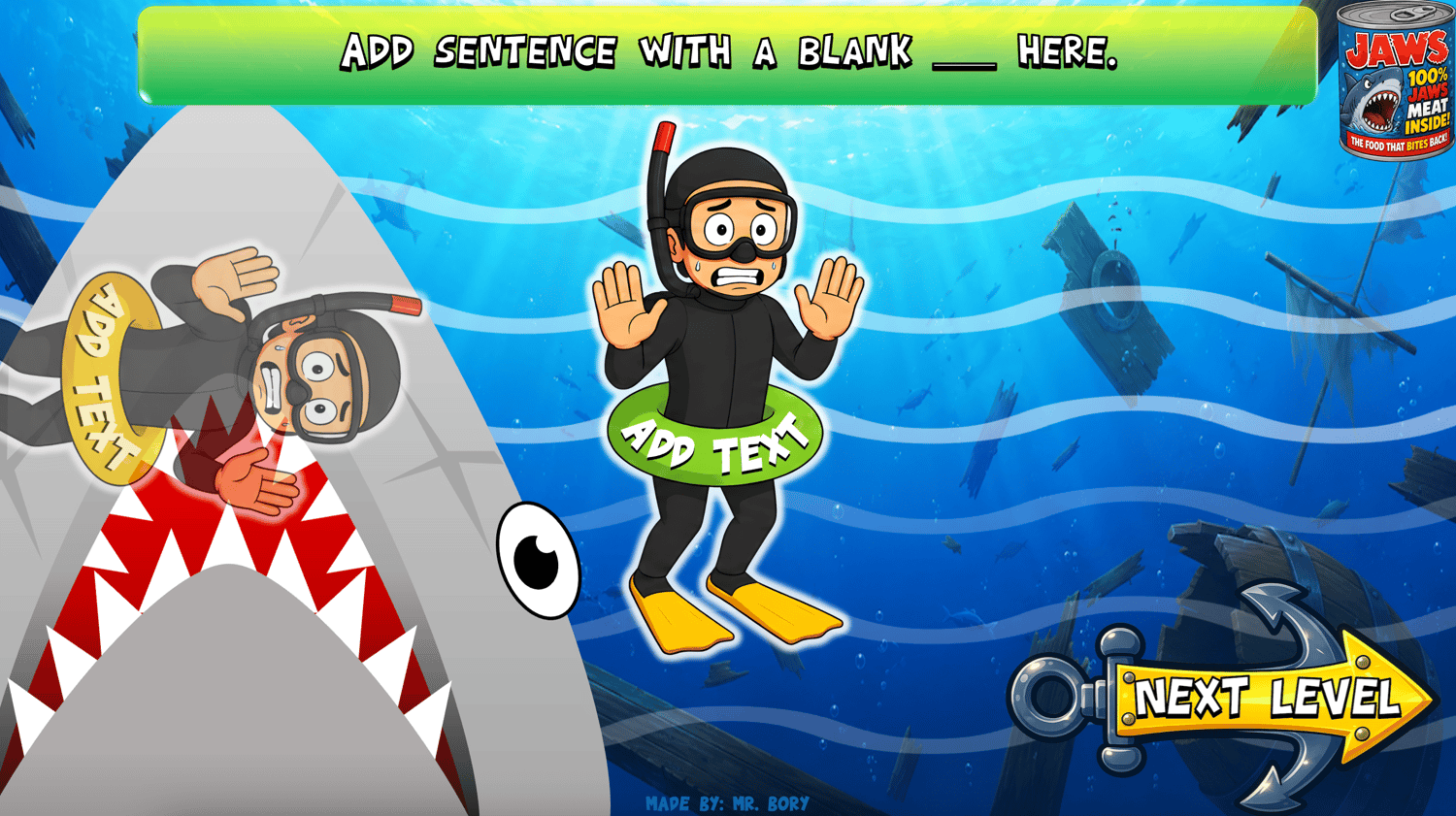
- JAWS eats the swimmers with the wrong answers!
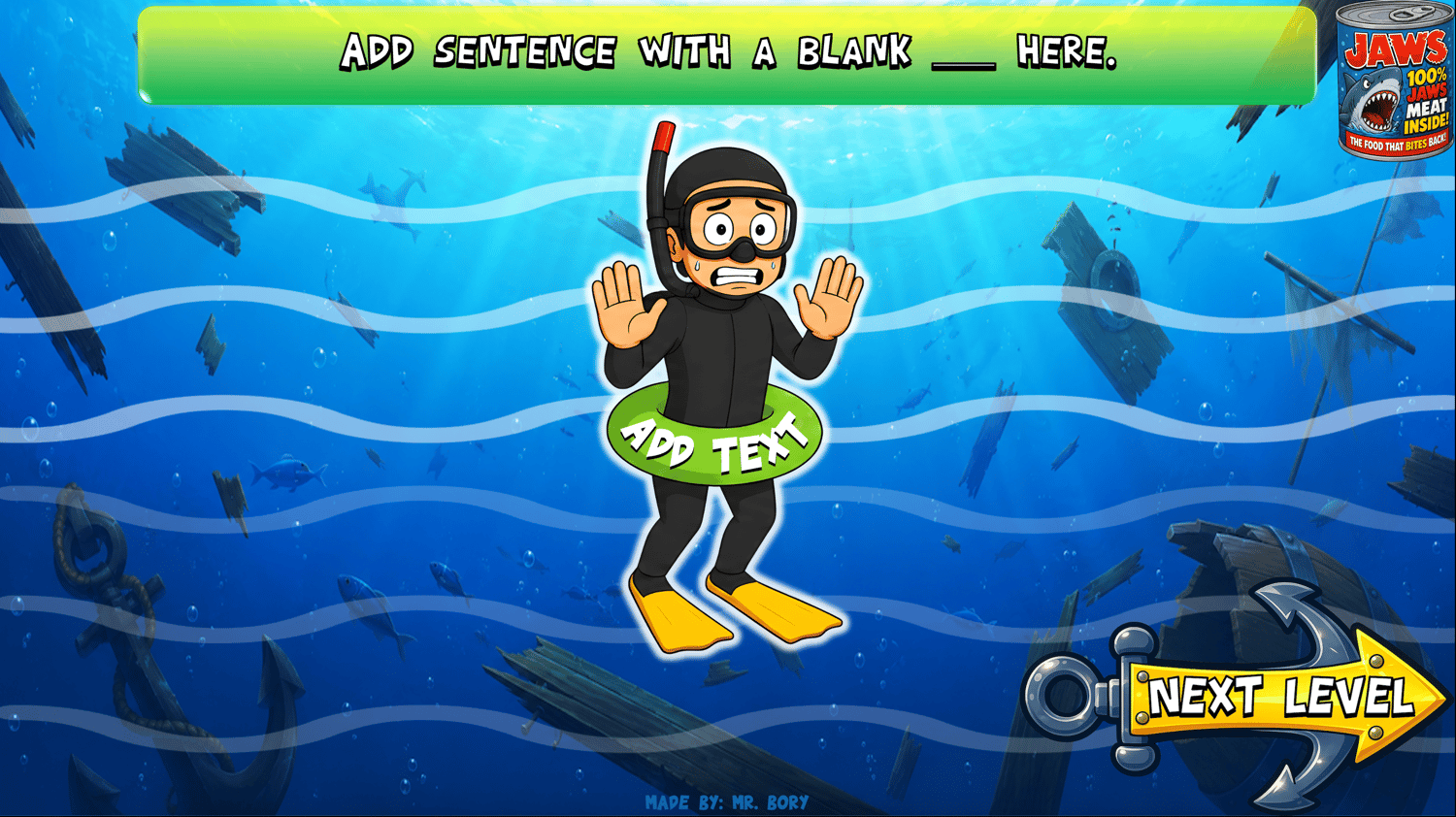
- The swimmer with the correct answer survives and earns +1 point!
- As the game progresses, more swimmers are eaten, narrowing down the possible answers.
- Keep playing and see which student or team can survive JAWS and earn the most points!
The Challenge Gets Harder!
The game starts with five possible answers. As JAWS eats the incorrect swimmers, fewer answers remain, helping students narrow down the correct answer. Teachers can create their own sentences and answers to review almost any vocabulary, grammar, or language target.
Example:
Example 1 — Multiple Possible Answers:
She is ______ the dog.
Possible Answers:
walking | washing | flying | hugging | feeding
Example 2 — One Possible Answer:
He is ______ an ice cream.
Possible Answers:
buying | kicking | swimming | sleeping | washing
Students jot down their answer, then JAWS attacks! As the game progresses, the number of possible answers narrows until only one answer remains.
Easy to Customize:
Create your own review game using the vocabulary, grammar, or language from your current lesson.
Simply change the sentence, blank, and five possible answers to create a new game for your students!
What's Included:
- Interactive PowerPoint review game
- 20 challenging levels
- Five swimmers / possible answers per question
- Progressive elimination gameplay
- Editable slides
- Fully customizable review content
- Embedded fonts
- Teacher instructions
Teacher’s Note:
When editing this template, please make sure to read the [Section] or Notes section to see the wrong answer(s) and correct answer(s) for the divers.
Watch It In Action:
- Watch Jaws Jitter Jotting on YouTube to see how to play and customize your own PowerPoint review game for your classroom.
Compatibility Note:
- PowerPoint only — Not compatible with Google Slides
- Fonts are embedded in the game. If needed, the font file is also included along with the instructions.
- Make sure to test your game and save your work before playing.
Jot down your answer, watch the swimmers, and don't let JAWS eat your points!